
Clock in. Clock out.Cost the job.

One-tap clock-in from the field app, with travel and on-site labour separated and the project margin updating as the technician works the job. Included on every Specifi plan.

Time in.Margin out.Calibrated.

One-tap clock-in / clock-out

One tap from the native mobile app on iOS or Android. Office users with desk-based roles log billable time directly from the web platform. Same time ledger underlies both flows; the labour cost basis on the project margin view updates in real time at clock-in.

Job-level time

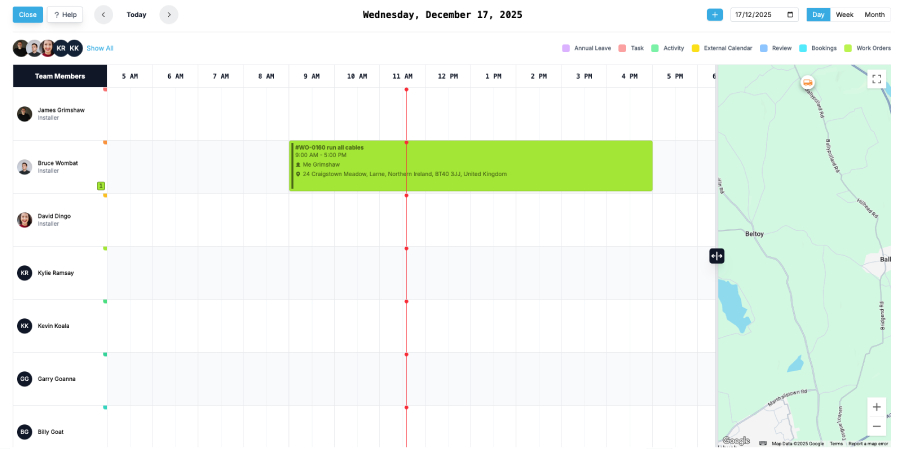
Time logs against the work order, the project, and the technician simultaneously. No manual allocation. The Friday-afternoon "which job did those four hours belong to?" question retires.

Travel vs install, separated

Travel time is its own category, distinct from on-site install labour, distinct from on-site service work, distinct from non-billable internal time. The next quote at the same distance benefits from the calibration data the last job generated.

Endpoint-only GPS

Optional GPS confirmation captures the technician's location at clock-in and clock-out (not continuously through the day) with the technician's consent. Endpoint events tied to the work order, not a continuous breadcrumb trail. Configurable per account; off by default.

Role-based pay rates

Hourly rates configured per role on the team-positions surface (lead engineer, junior tech, project manager, apprentice). Time entries inherit the rate at clock-in. Rate changes apply forward; historic entries keep their original rate so retroactive payroll never accidentally rewrites what someone was actually paid.

Timesheets and approval

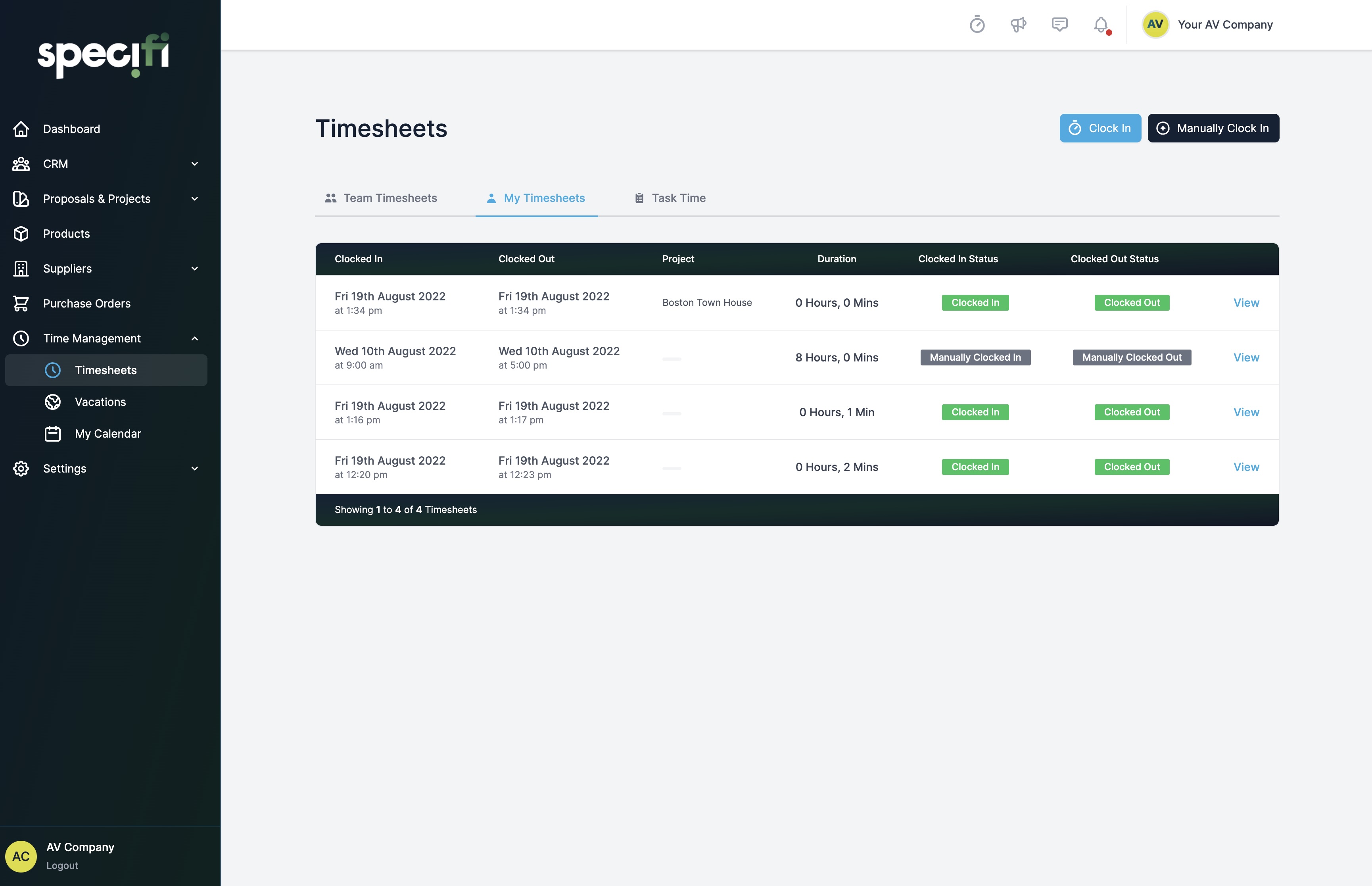
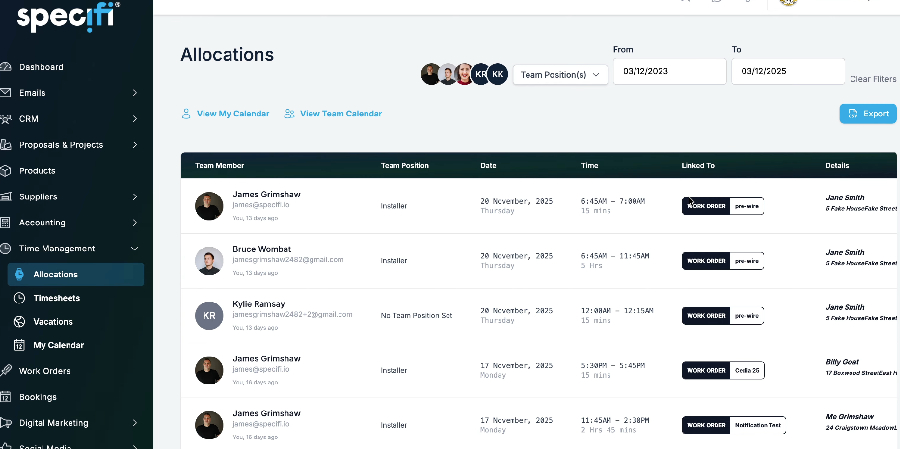
Weekly timesheets approved by the office before payroll. Discrepancies (12-hour days, clock-outs three hours after the technician was last seen on site) flag before approval, not after the entries have been pushed to payroll.

Payroll-ready CSV

No direct payroll integration today. Approved timesheets export to CSV with the columns most payroll systems expect: technician, employee ID, week ending date, billable and non-billable hours by category, total hours, hourly rate where the office has configured it, and a project-by-project breakdown. If you run on ADP, Paychex, Sage Payroll, or similar, the CSV is your path.

Why integratorsmake the switch.

Accurate labour cost

Logged time × role rate accrues to the labour cost basis on the project margin view in real time. Margin reflects what the work actually costs, not what last quarter's spreadsheet assumed. The end-of-quarter reconciliation either confirms what the project owner already saw on the live view, or surfaces a calibration the office acts on for the next quote of the same shape.

Numbers that calibrate

Quoted-versus-actual reporting at project, customer, and job-type level. Travel underestimated by 25% on jobs more than 40 minutes from the depot becomes a documented pattern, not a Friday-afternoon hunch. The next Lutron quote, the next Crestron quote, the next "third-party network team involved" quote all land closer to the bone because the report told the office where the previous one drifted.

Payroll without pain

Timesheets approved before payroll runs, with discrepancies flagged before the entries get pushed. CSV export of the approved week to ADP, Paychex, Sage Payroll, or whatever you run on; no direct payroll integration today, the CSV carries the columns most payroll systems expect. The "chase the guys for hours on Friday afternoon" ritual retires; the office has the time data they need before the technician has finished the work.

Commonquestions

Contact us
Is time tracking included?

Yes, on every plan. No separate time-tracking SKU, no per-user time-tracking surcharge, no "field-service add-on" gating clock-in / clock-out. Individual, Team, and Company plans all carry the same time-tracking surface. Office users can log billable hours against tasks or projects; field users clock in and out of work orders from the native mobile app. The labour cost basis on every project pulls from the live time ledger automatically.

How does the clock-in / clock-out flow work?

The technician opens the Specifi mobile app on their phone, taps the assigned work order for the day, and taps "clock in". The app records the timestamp against the work order, the project, and the technician's user record; the labour cost basis on the project margin view updates in real time. They work the job, take breaks (logged separately if the company's policy is to track breaks), swap to a second work order if the day's schedule includes more than one (the swap auto-clocks-out the first and clocks-in the second). At the end of the day, they tap "clock out". Office users with a desk-based role can log billable time directly from the web platform's task or project surface; the same time ledger underlies both flows.

Does it support GPS confirmation?

Yes, optionally. GPS confirmation captures the technician's location at clock-in and clock-out (NOT continuously through the day), tied to the work order. It's configurable per account by the office admin, and per technician with the technician's consent. The intended use is service-call or multi-site jobs where the office wants confirmation that the technician arrived at the right address and stayed until the job was complete. It is NOT designed as a continuous-surveillance tool; the platform deliberately captures the two endpoint events rather than a continuous breadcrumb trail. If your business operates in a regulatory environment that requires either more or less GPS data than this default, surface that during onboarding.

Does travel time track separately from on-site labour?

Yes. Travel time is its own time category, distinct from on-site install labour, distinct from on-site service work, distinct from non-billable internal time. Knowing a technician spent nine hours on a job does not tell you enough; knowing they spent three hours driving and six hours installing tells you whether the install estimate was accurate, whether the travel surcharge billed correctly, and whether the next job at that distance needs to price travel differently. The platform reports against quoted-time-versus-actual-time at both totals (the nine-hour view) and category-by-category (the three-plus-six view), so the next quote benefits from the calibration data the last job generated.

Can I track non-billable time?

Yes. Internal projects, admin time, training, sick leave, holiday, and customer support work can all be tracked as their own categories separate from billable client time. The categories the office admin sets up appear in the technician's clock-in dropdown; the technician picks the right category at the start of the work, and the platform allocates it correctly without the office having to reclassify entries at the end of the week. Non-billable time still feeds the labour cost ledger (it's a real cost the business is bearing), but it does NOT feed the project-margin view of any client project (because it does not belong to one).

How does the timesheet approval flow work?

Time entries log live as they happen. At the end of the working week, each technician's entries roll up into a weekly timesheet view. The office admin (or the project manager, depending on company role configuration) reviews the timesheet, queries any anomalies (a 12-hour day, a clock-out that's three hours after the technician was last seen on site, a clock-in on a project the technician is not assigned to), approves the timesheet, and the entries lock down. Discrepancies between expected and logged hours surface before the timesheet is approved, not after the entries have been pushed to payroll. The technician can amend a wrong entry up until approval; after approval, an admin can still amend with an audit-trail record of who changed what and why.

Does it integrate with payroll?

No direct payroll integration today. Approved timesheets export to CSV with the columns most payroll systems expect: technician, employee ID, week ending date, billable and non-billable hours by category, total hours, and a project-by-project breakdown. Hourly rate is included where the office has configured it.

If you run on ADP, Paychex, Sage Payroll, or similar, the CSV is your path.

Are role-based pay rates supported?

Yes. The office admin configures hourly rates per role (lead engineer, junior tech, project manager, apprentice, etc.) on the team-positions surface. Each technician is assigned a role; the role carries the rate; the time entry inherits the rate at clock-in time. If a technician moves up a band mid-year, the rate change applies forward from the change date and historic entries keep their original rate (so retroactive payroll recalculations don't accidentally rewrite what the technician was actually paid on a prior week). Markup-on-cost for billable-versus-internal work is supported as a multiplier on top of the role rate.

How does time feed into project profitability?

Every clock-in tied to a work order is tied to the project the work order belongs to. Time × rate accrues into the project's labour cost basis the moment the time is logged (not after timesheet approval; the labour cost is a real cost the business is bearing whether the timesheet is approved or not). The project profitability view sums labour cost + materials cost + supplier-PO cost + expenses against the proposal-side revenue figure and reports gross margin, gross margin percent, and a quoted-versus-actual variance against the proposal-side time + cost estimate. The view updates as the time logs, the materials receive, and the POs reconcile, so the project owner sees margin moving in real time rather than reconstructing it from a spreadsheet at month-end.

How does holiday and time-off tracking work?

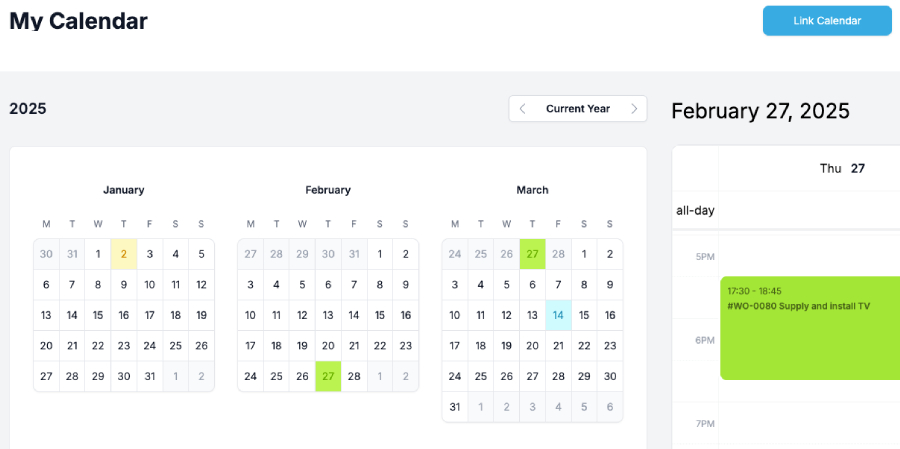
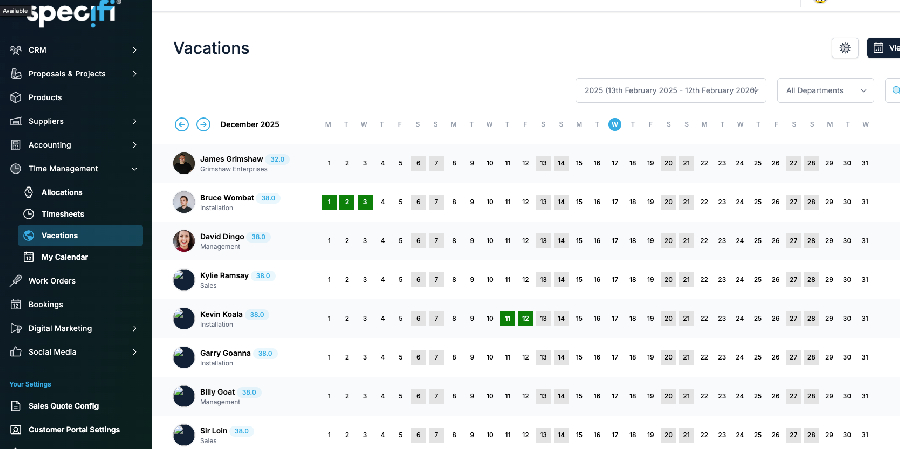
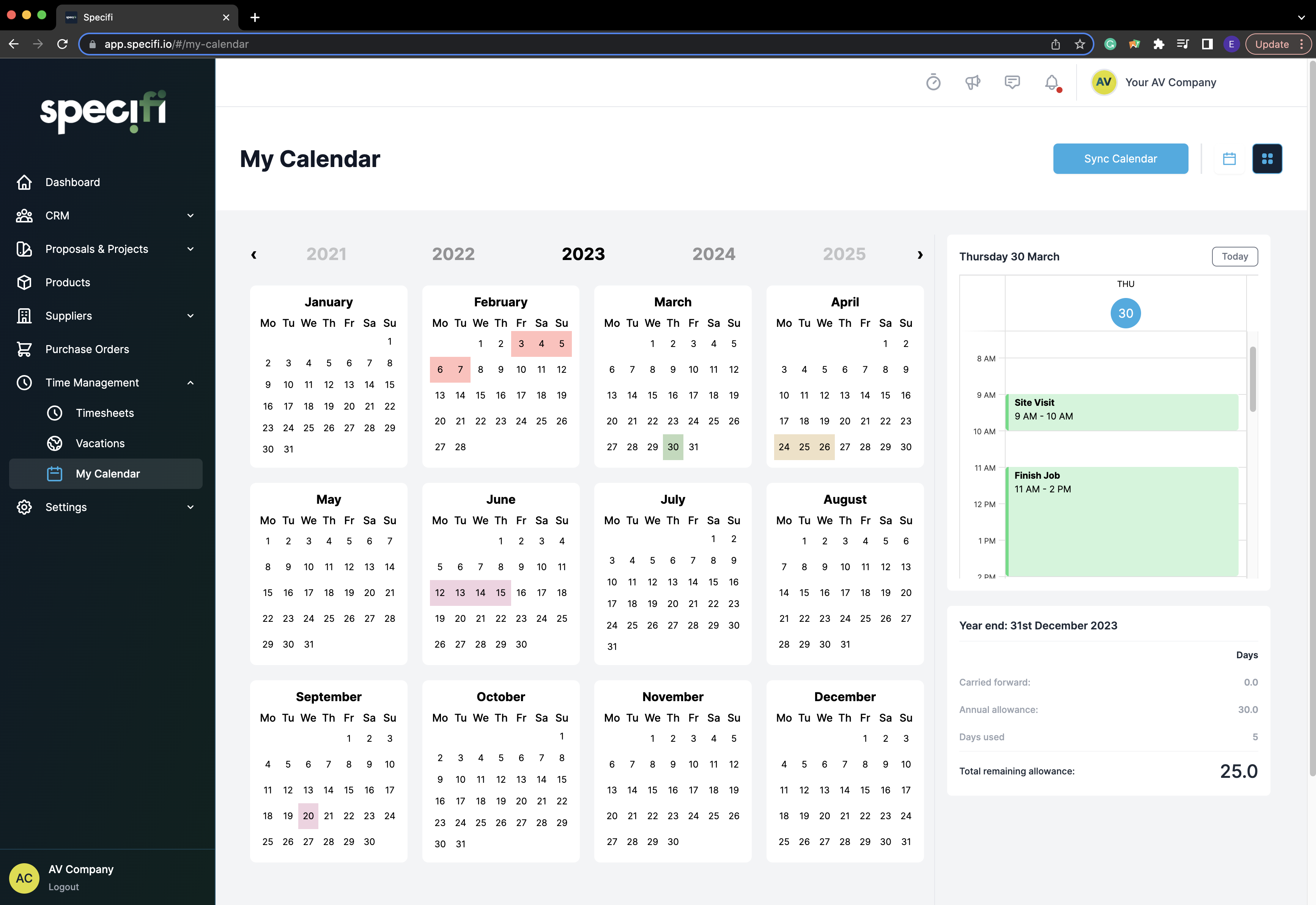
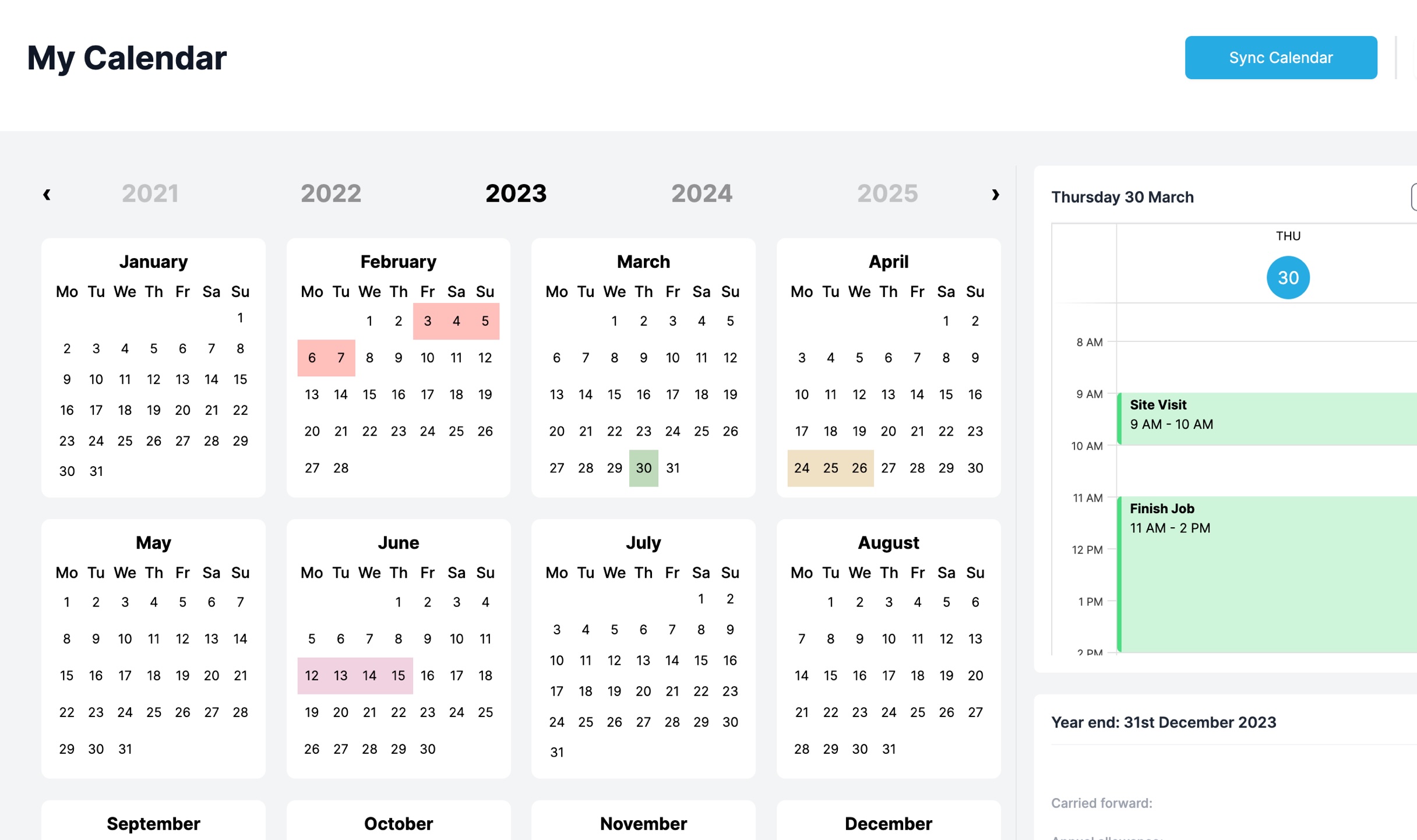
Holiday allowances, requests, and approved leave run through the same time-management surface as billable hours. Each technician has an annual allowance (configurable per company), books leave requests through the mobile app or the web platform, and the office admin approves or rejects. Approved leave appears on the team calendar so the rest of the crew (and dispatch) can see who's off when, before the lead engineer disappears during commissioning week. Sick leave, parental leave, and other leave categories run on the same plumbing with separate allowances and approval flows.

What does quoted-versus-actual reporting tell me?

Two things: where this specific job's time estimate landed (so the project owner can decide whether to write off the overrun, raise a change order against the customer, or revise the quote on the next phase), and where your quoting model is systematically off across the wider book of work (so the next quote of the same shape gets calibrated). Common patterns the report surfaces: travel underestimated on jobs more than 40 minutes from the depot, programming hours underestimated on Lutron jobs versus Crestron jobs, commissioning hours underestimated whenever a third-party network team is involved. The report runs at project level, at customer level, and at job-type level; the office admin picks the cut they want to study.

What does time tracking cost?

Nothing extra. Included on every Specifi plan: Individual, Team, Company, all-region. No per-user time-tracking fee, no GPS-confirmation surcharge, no payroll-export charge, no quoted-versus-actual reporting upgrade tier. Time tracking is the labour-cost backbone of the platform's project-margin view; gating it behind a higher tier would defeat the platform's reason for existing.

CSV export of approved timesheets to your payroll system is included on every plan.

They switched. Theyhaven't looked back.

Specifi is an amazing software that literally runs our business operations. From initial proposals, sales and CRM to team and project management, invoicing & generating purchase orders. I would definitely recommend Specifi to anyone running a small to medium size audio visual or electrical company that wants a simple to use software that gets the business organised and looking super professional.
James BrownThe Cinema Company
Specifi has significantly improved the efficiency of our day-to-day business operations. The software is incredibly easy to use and has helped us create an organised and streamlined setup. Their aftersales service is outstanding; they're always available to assist and consistently roll out updates with valuable new features. This commitment to ongoing improvement sets them apart. I highly recommend it.
Miguel AttardDomotica Systems
We chose Specifi for its modern interface, streamlined project timelines, and advanced time management and proposal software. Specifi has streamlined our process from start to finish, and provides a more professional appearance to our clients. Their support is superb, often fixing issues within minutes of them being reported. They're innovating at a much faster pace than others in the space.
Waylon MoreySunrise Smart Home

Ready to see it?

30-minute demo. No slides. No fluff.

Explore pricing