

There is a particular kind of Friday afternoon energy reserved for the integrator who has just sent six proposals out of one tool and is now copy-pasting the winning two into another tool to invoice them. If that sounds familiar, this one is for you. I lead the engineering team that built our Xero integration, so I will keep this short and specific.
Specifi has had a Xero integration for years. The version that shipped in our Q1 update is the one worth talking about: it is two-way, it covers customers and contacts as well as invoices, and it means that the proposal you sent on Tuesday does not need to be rebuilt on Friday just because the client said yes.
What actually flows between the two tools
When you connect a Specifi account to Xero, three things start moving automatically:
- Customers and contacts. Add a new client in Specifi CRM, it appears in Xero. Update an address in Xero, it appears in Specifi. No more "two versions of the same company, slightly different post codes" headache at the month-end reconciliation.
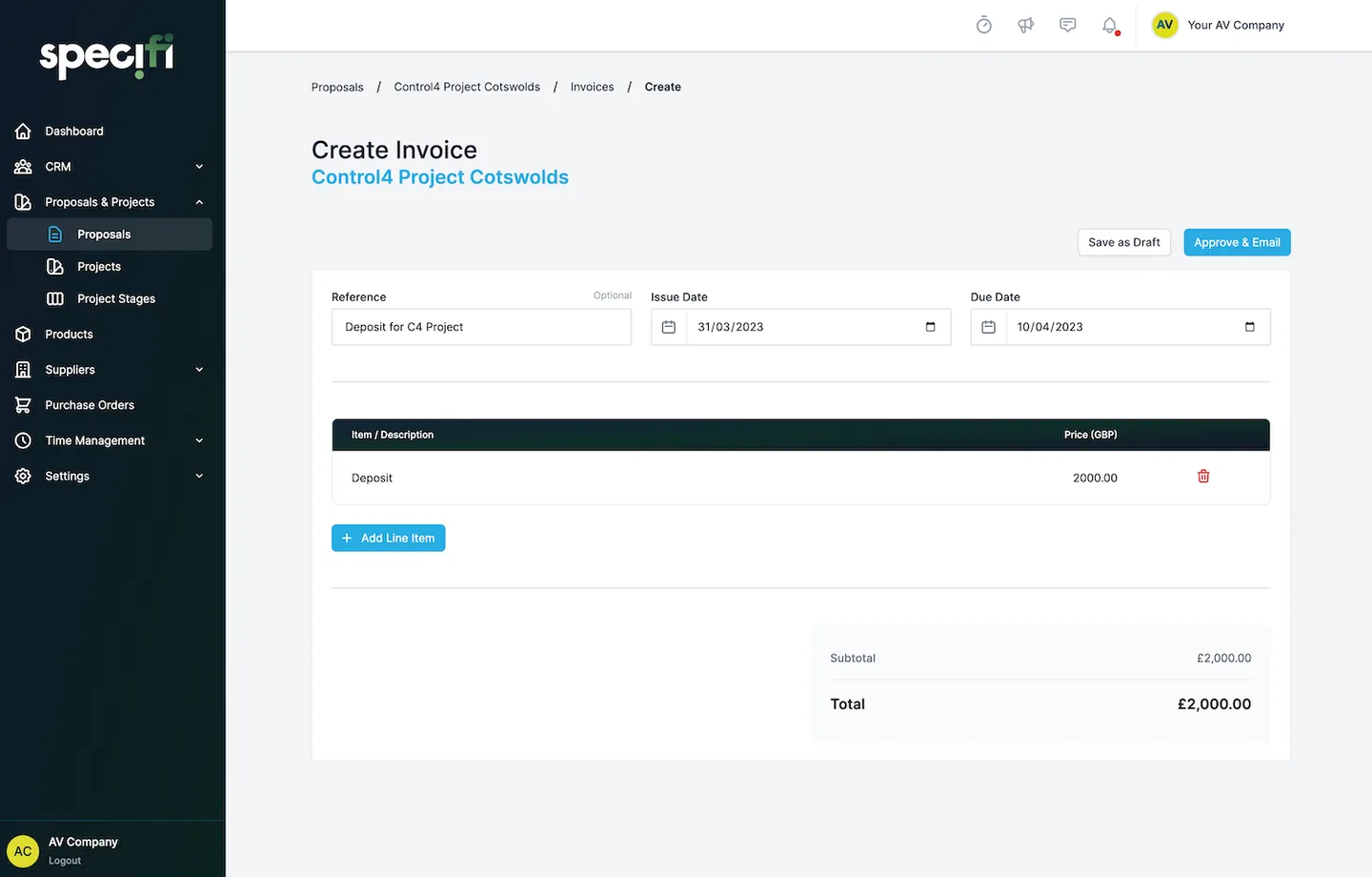
- Invoices. Convert a signed proposal into an invoice and it lands in Xero with the matching reference, line items, tax treatment and payment terms. The Xero invoice is the source of truth your accountant works against; the Specifi invoice is the source of truth the project team works against. Both stay in sync.
- Payments. Mark a payment paid in Xero, it shows as paid in Specifi. Mark it paid via the customer portal (Stripe handles the card), it shows as paid in Xero. The reconciliation tab is no longer a once-a-month forensic exercise.
The bit nobody talks about: the proposal stage
Most "Xero integration" pages cover invoices and stop there. The interesting part for an AV business is actually the proposal, because that is where the line items, the bill of materials, the labour estimate and the supplier markup all get authored. If those have to be re-keyed into the accounting tool when the job lands, you have built yourself a Friday-afternoon spreadsheet rebuild whether you noticed or not.
In Specifi, the proposal is the line-item record. Win the job, click Convert to Project, and the line items flow into a work order and an invoice schedule at the same time. The invoice schedule pushes to Xero when each milestone bills. The proposal never needs to be re-typed.
Three setup tips
- Map your tax rates first. Specifi inherits Xero's tax codes on the first sync. Five minutes spent naming them clearly ("UK Standard 20%", "GB Reverse Charge", "ROI 23%") saves an hour of accountant emails later.
- Decide who owns the contact record. If you have an existing Xero contact list, push it INTO Specifi first, then turn on the two-way sync. The other direction works too (Specifi can be the source of truth) but pick one and stick to it for the first month.
- Use the Specifi quote number as the Xero invoice reference. Set this in the Xero sync settings. Your accountant will be able to trace any invoice back to the originating proposal without leaving Xero. They will not say thank you, but they will stop emailing you on a Friday.
When to move
If you are quoting in one tool and accounting in another and you are spending more than thirty minutes a week stitching the two together, you are paying for the gap. We will show you the live integration on a demo and let you decide. If Specifi is not right for you, we will tell you. That is the whole policy.